
Interactive N9+ Demo
See the N9+ before we ever meet.
Explore a self-guided walkthrough of the N9+ experience, then come back and talk with us about how the device and platform could fit your organization.
The interactive walkthrough opens in a new browser tab.
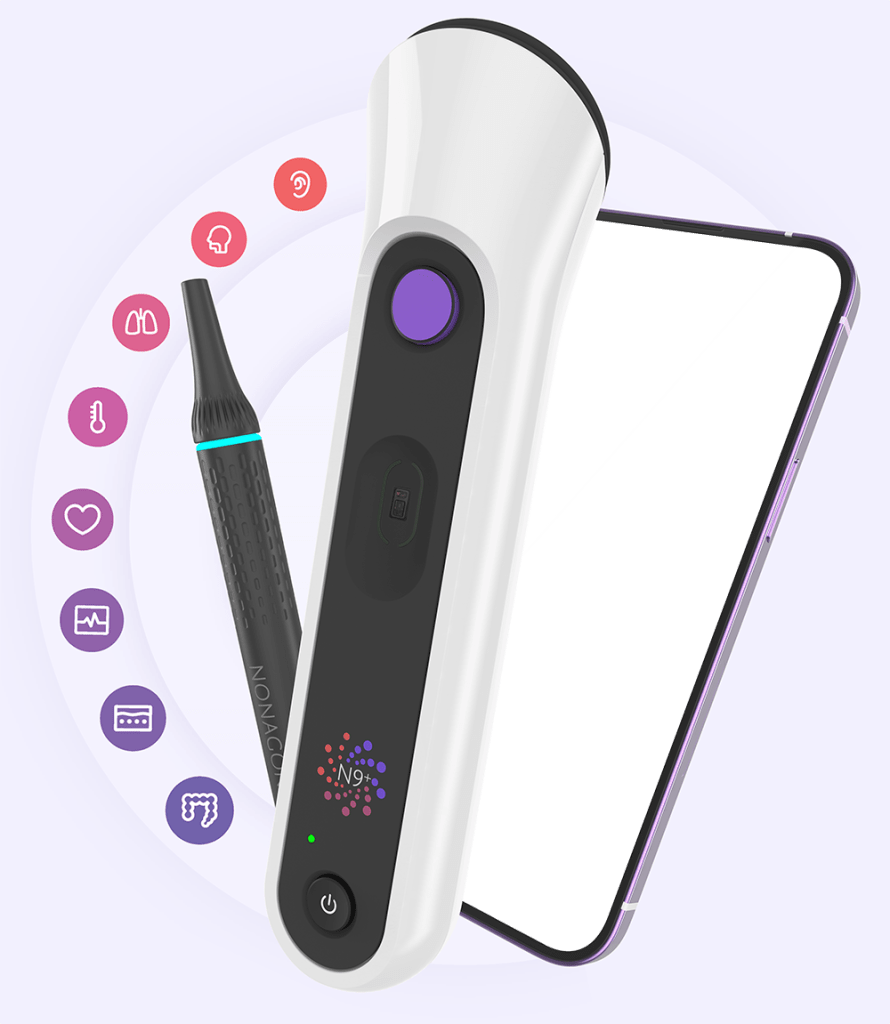
What to look for
Focus on the workflow, not just the hardware.
As you walk through the demo, notice how the user is guided, how the device captures information, and how the clinical team can receive it.
Guided exams
See how the app walks the user through supported exam steps rather than leaving them to guess.
Physical data
Notice the difference between a standard video call and an encounter that can include measurements, sounds, images, and video.
Connected care
Think about who performs the exam in your setting and which clinician or care team needs to receive the information.
Another way to see it
Watch the N9+ concept come to life.
The interactive demo lets you explore the interface. The video provides a broader visual introduction to the connected-care experience.
Then make it specific
A live demo should be about your organization.
Once you understand the product, we can focus the conversation on the actual program: where the device would be used, who would operate it, what clinicians need to receive the data, and what outcome you want the workflow to support.
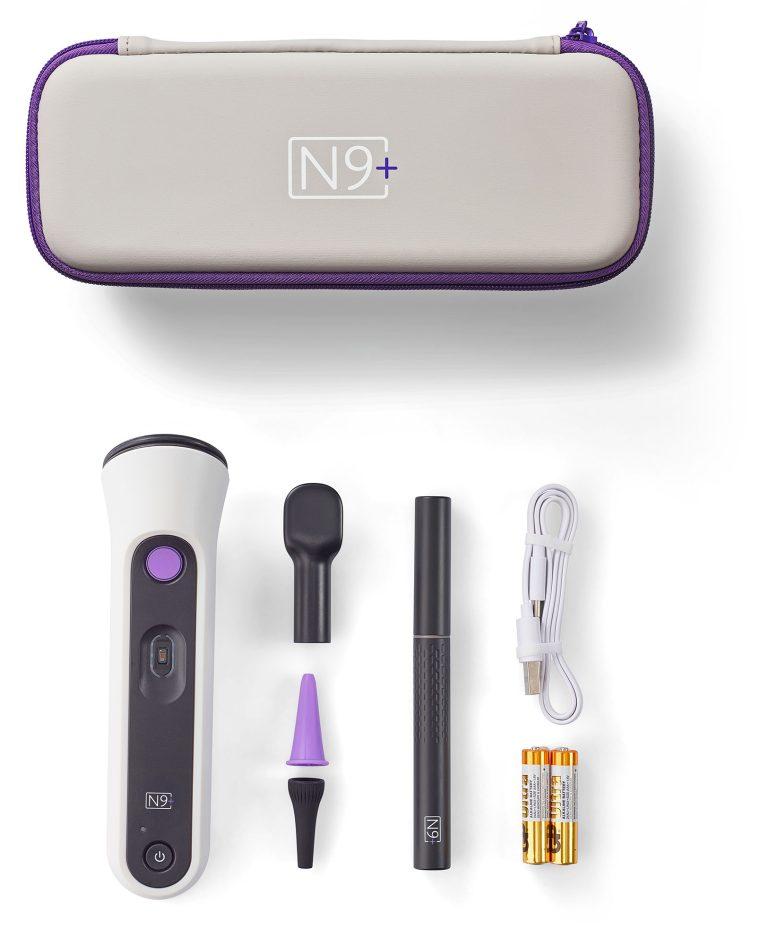
Explore on your own. Then let’s talk.
Use the interactive walkthrough as often as you like, or schedule a live demonstration tailored to your care environment.