1
Open the N9+ app and sign in.

Perform an Exam
Pair the N9+ Blood Pressure Monitor with ECG, position the cuff correctly, capture the reading, and save it into the N9+ exam workflow.
Use this page with the current N9+ app prompts, product labeling, organizational protocols, and clinician direction.
This exam requires the separate connected N9+ Blood Pressure Monitor with ECG accessory.
Step by step
Open the N9+ app and sign in.
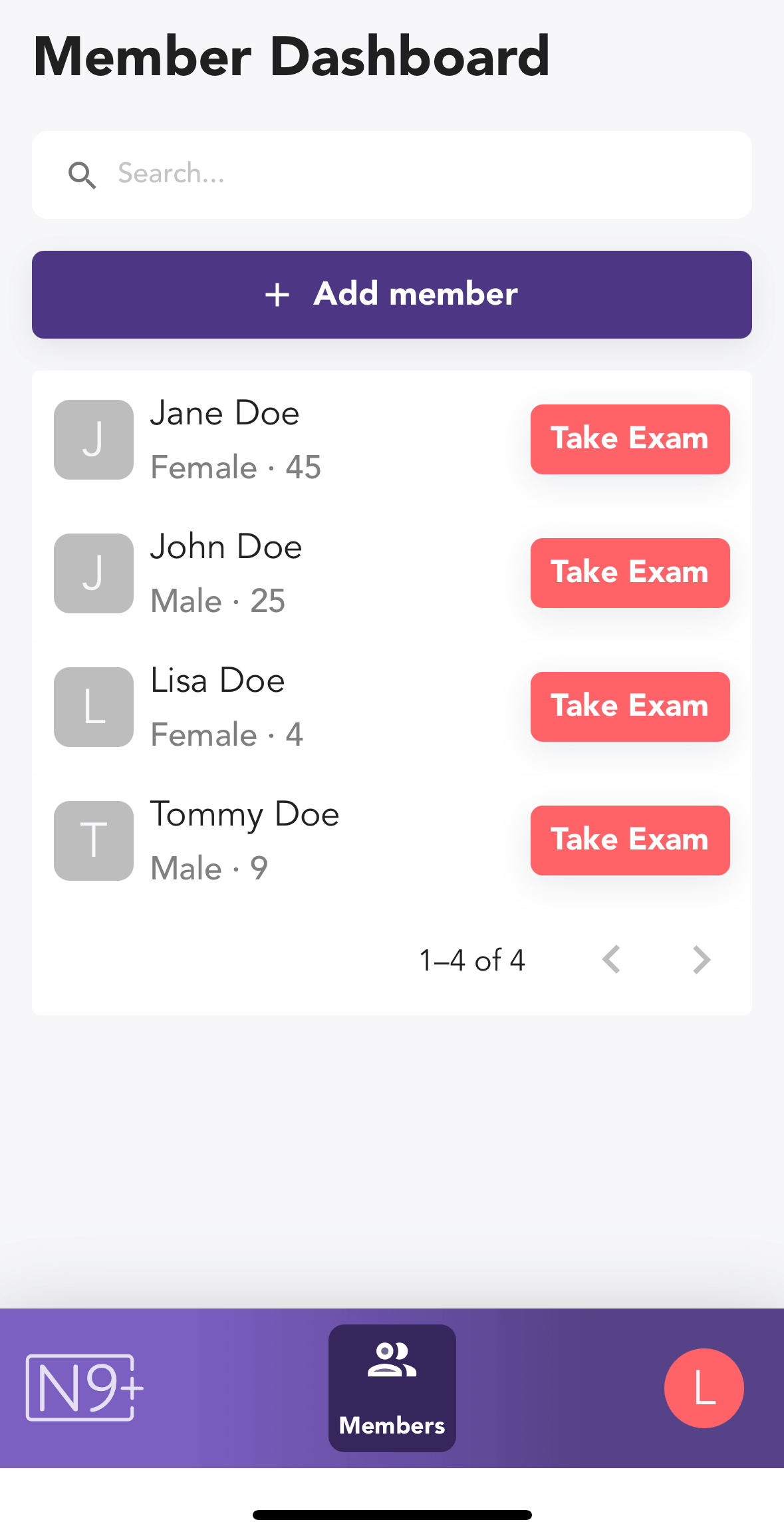
Choose the patient from the Member Dashboard and tap Take Exam.
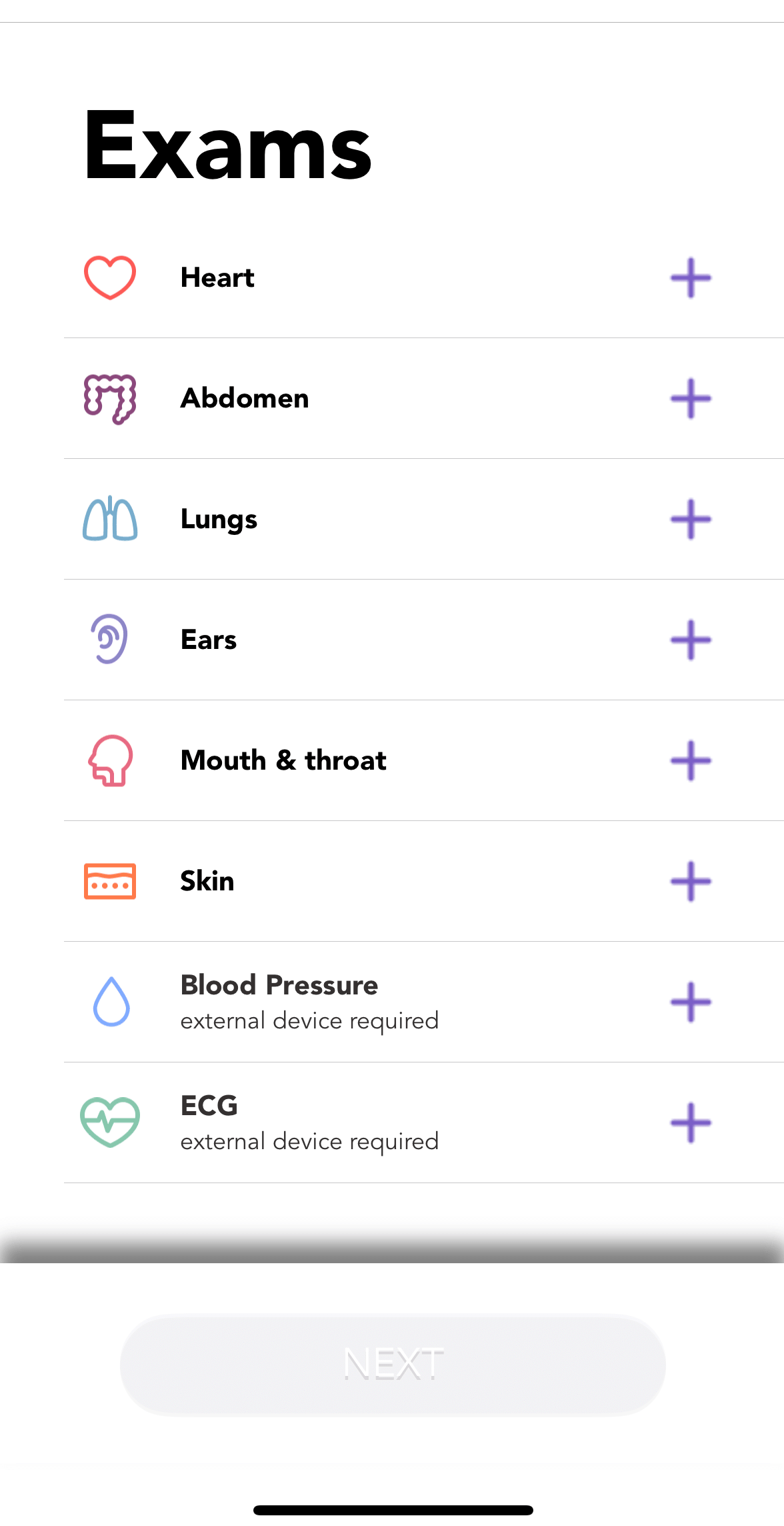
Select Blood Pressure from the exam list.
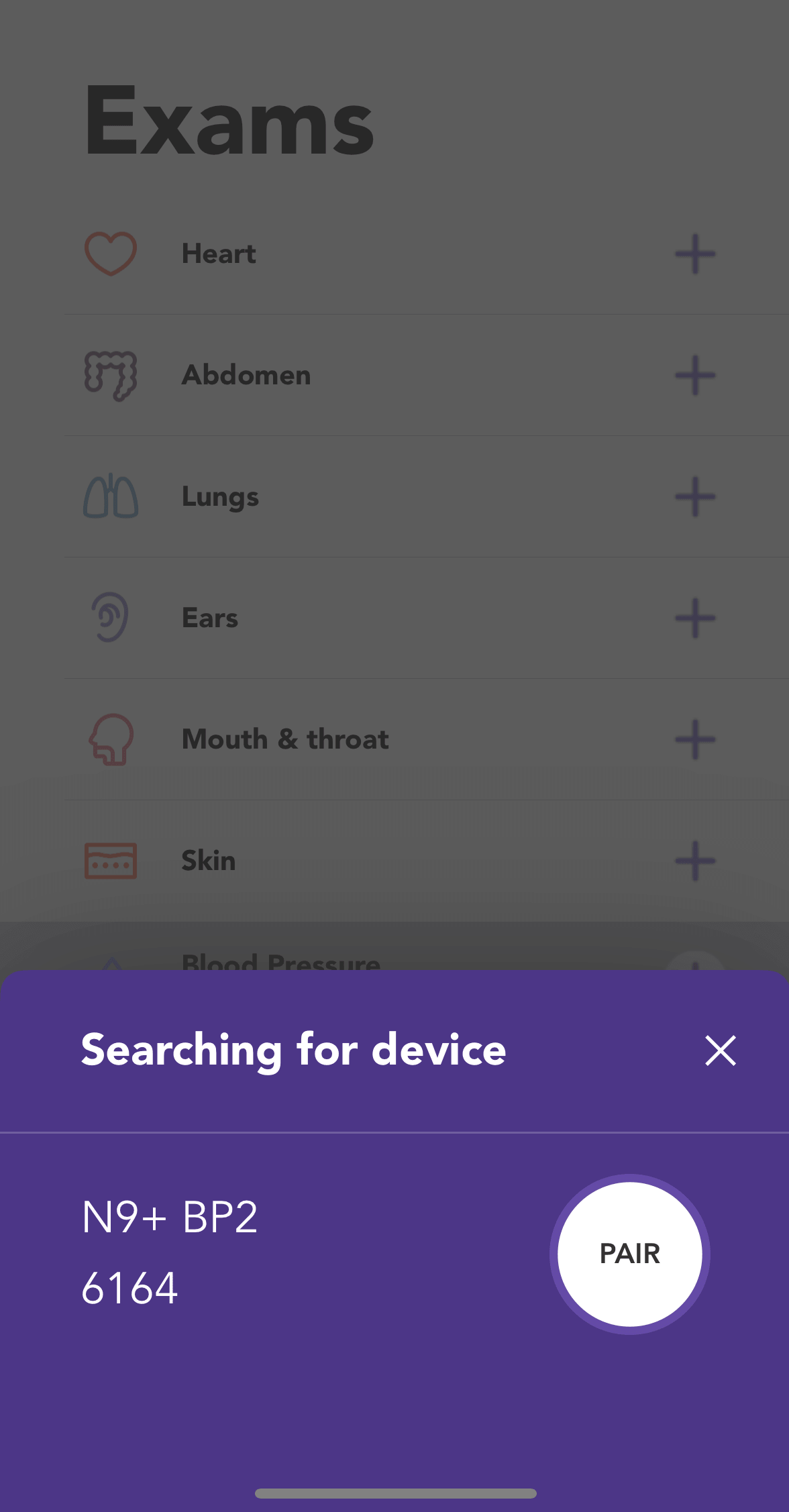
Turn on the N9+ Blood Pressure Monitor with ECG and use the app to pair the device.
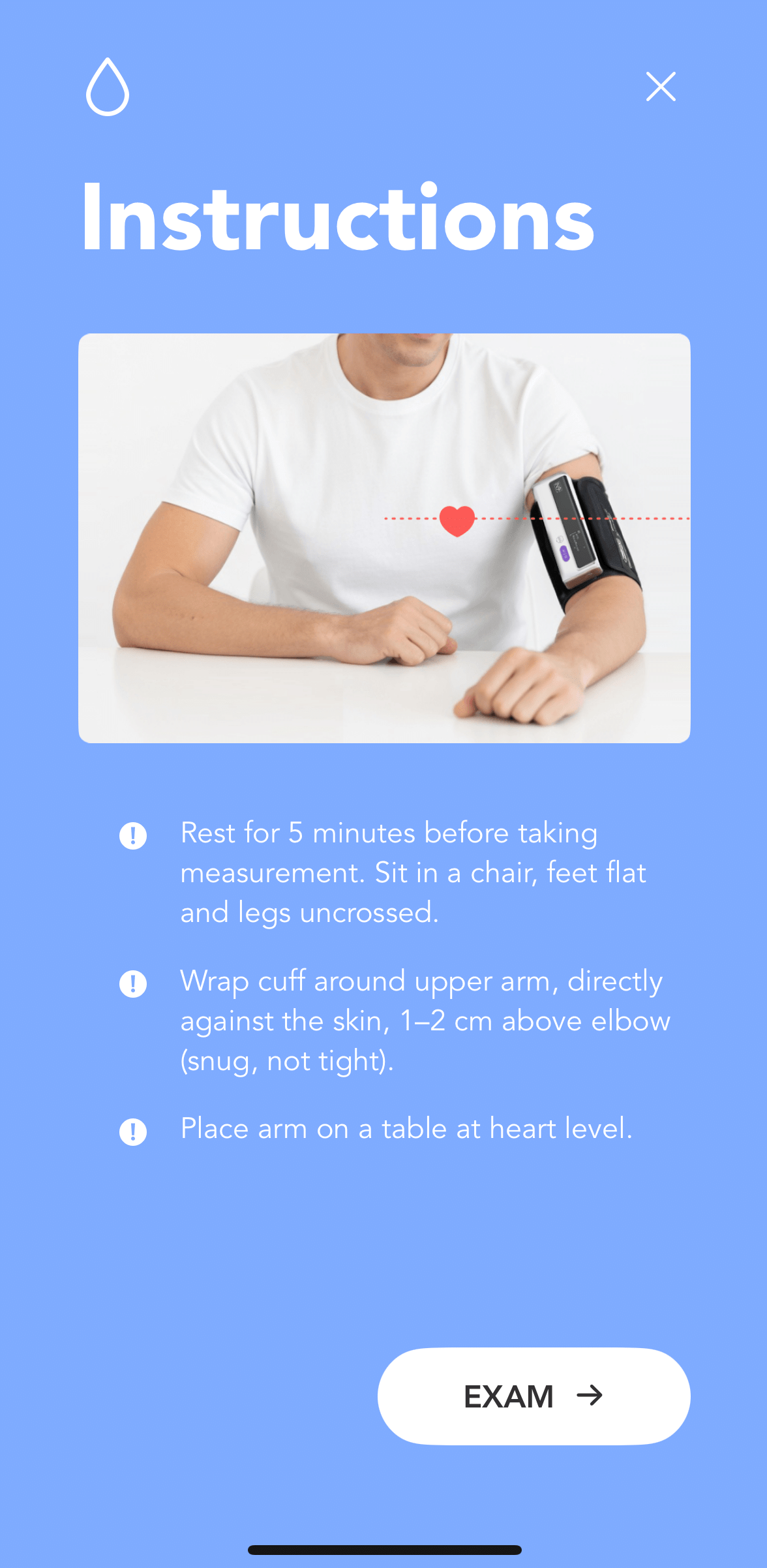
Review the cuff-positioning and posture guidance, then continue to the exam screen.
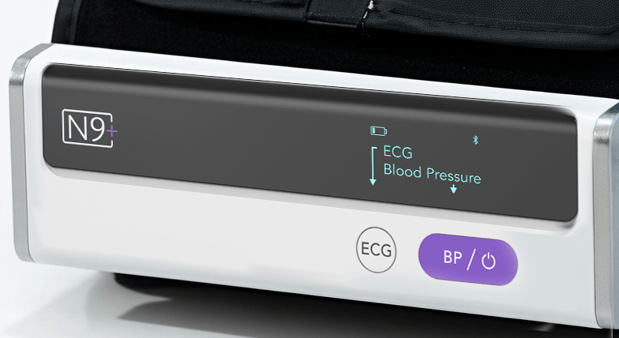
Press the BP/power control on the connected monitor to begin the measurement.
Remain still and quiet until the measurement is complete. Review the result, then save or retake it as needed.
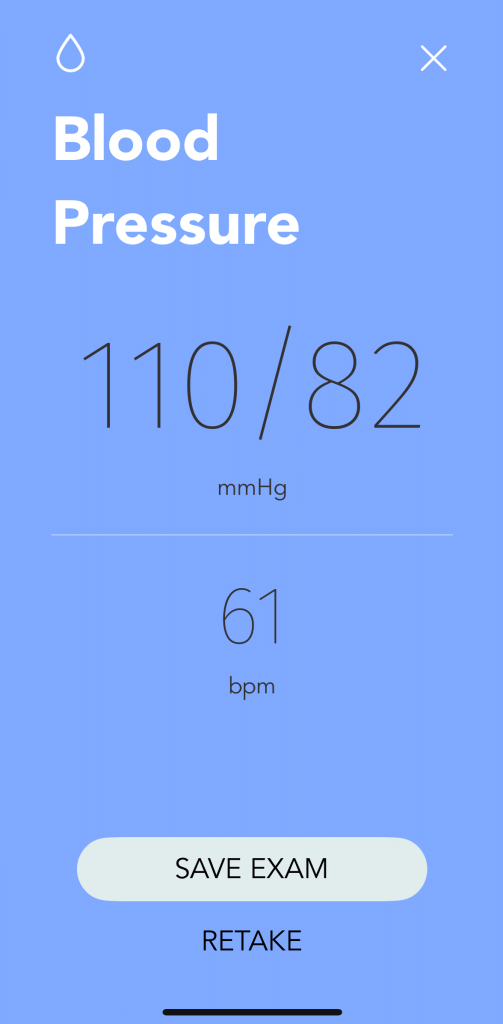
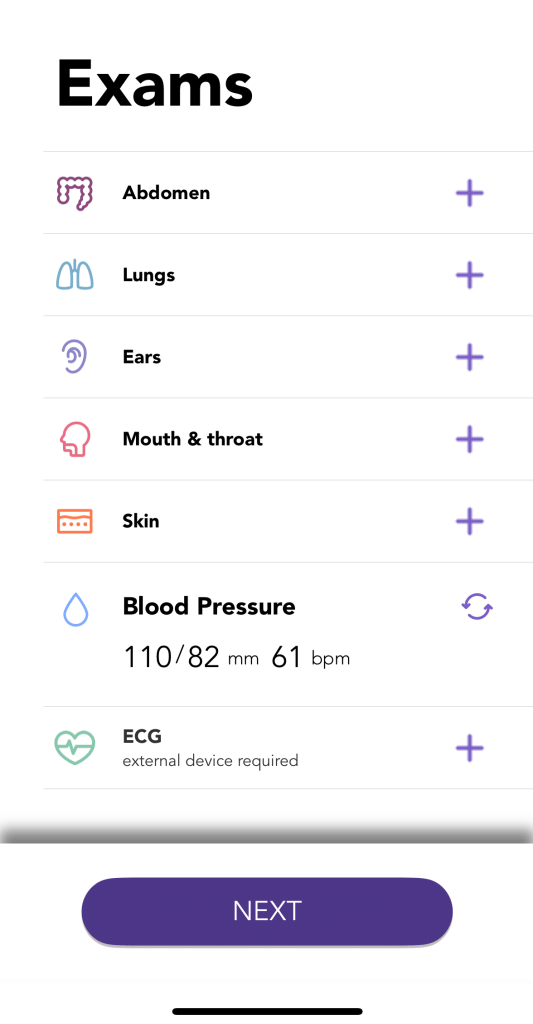
Confirm that the blood-pressure reading appears in the exam list.