1
Launch the N9+ app, sign in, and turn on the N9+ device.

Perform an Exam
Use the N9+ infrared thermometer with the guided app workflow to capture and save a body-temperature reading.
Use this page with the current N9+ app prompts, product labeling, organizational protocols, and clinician direction.
Before starting, follow the current in-app instructions and confirm that the patient and operator meet the applicable use requirements.
Step by step
Launch the N9+ app, sign in, and turn on the N9+ device.
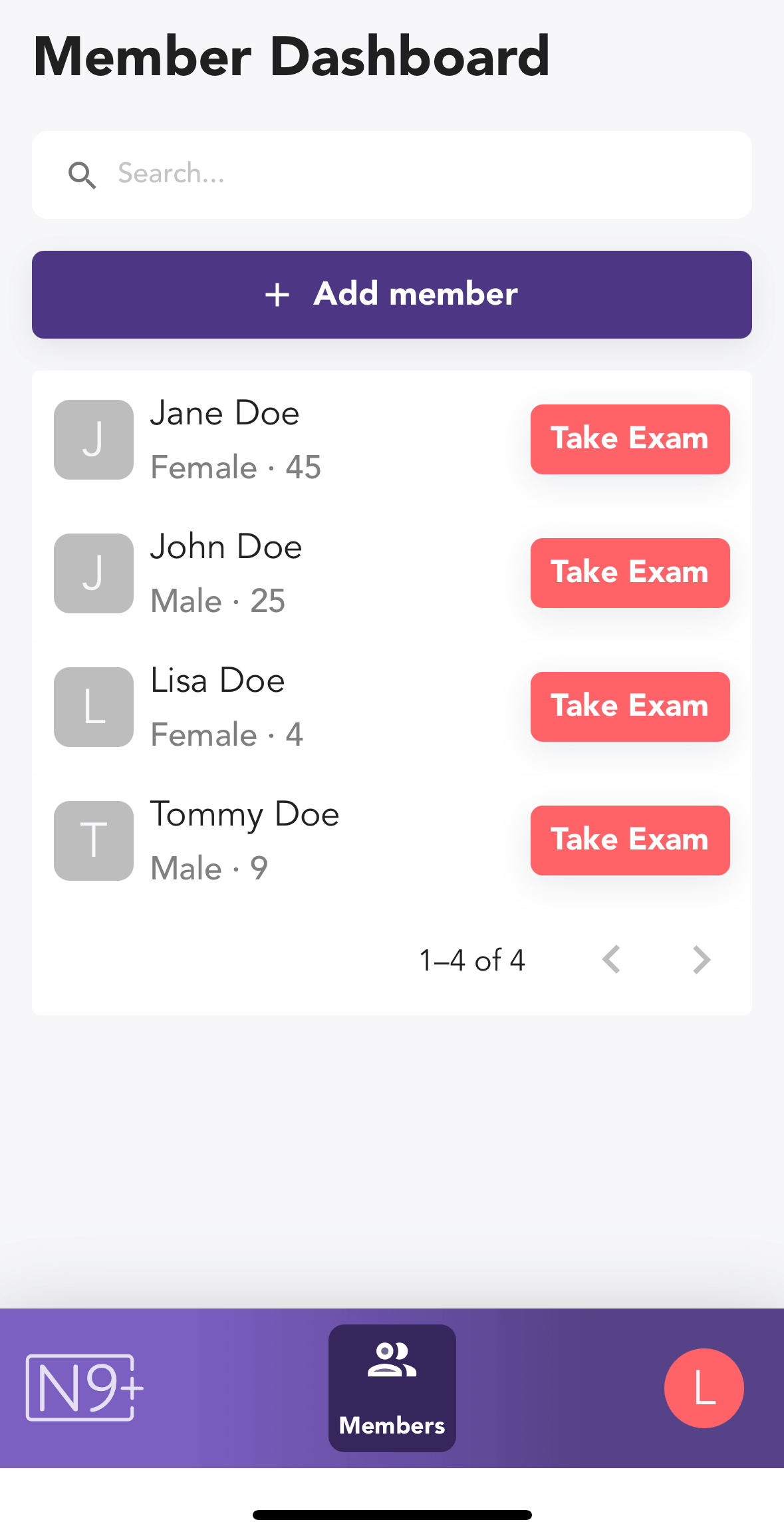
From the Member Dashboard, choose the patient and tap Take Exam.
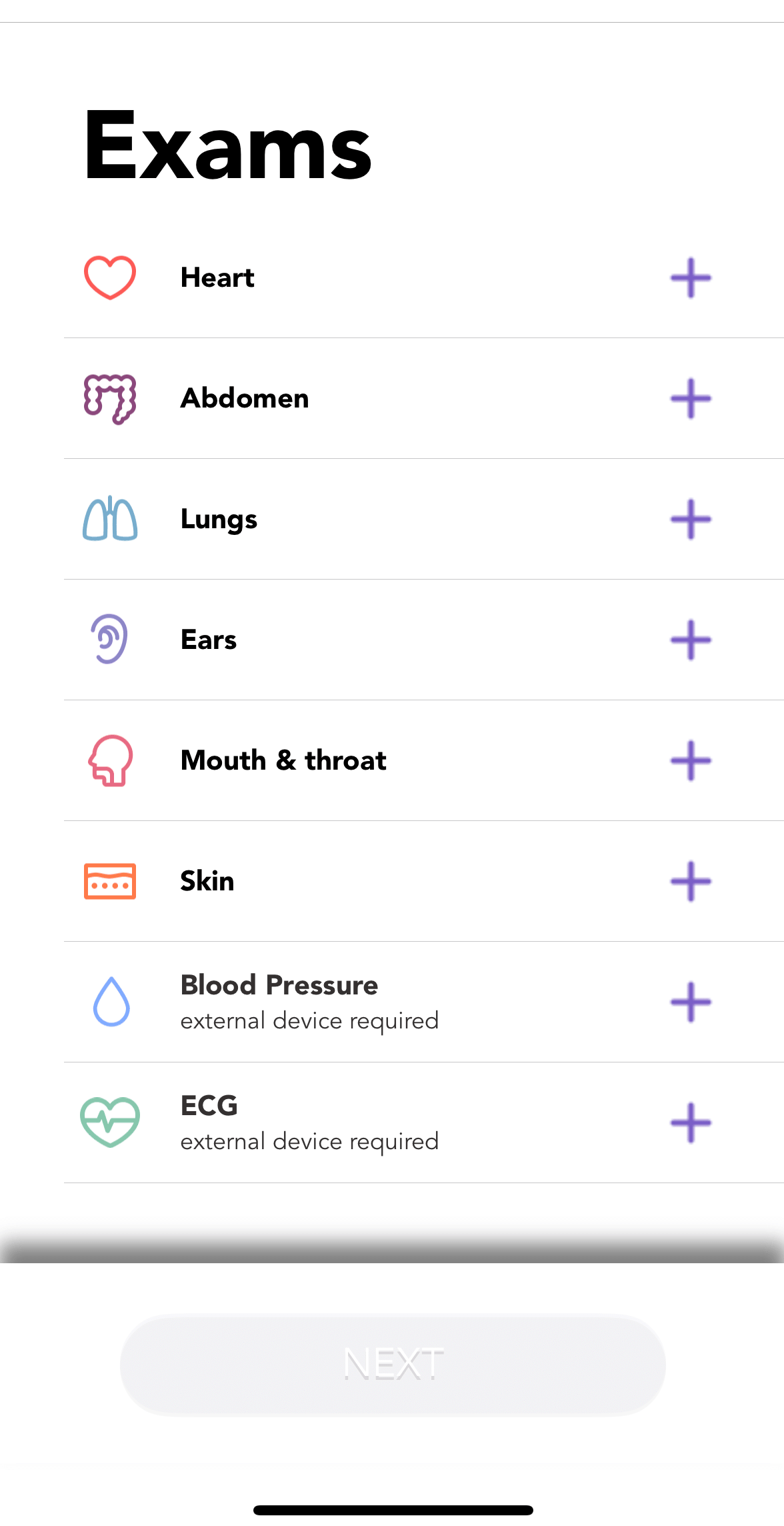
Choose Body Temperature from the exam list.
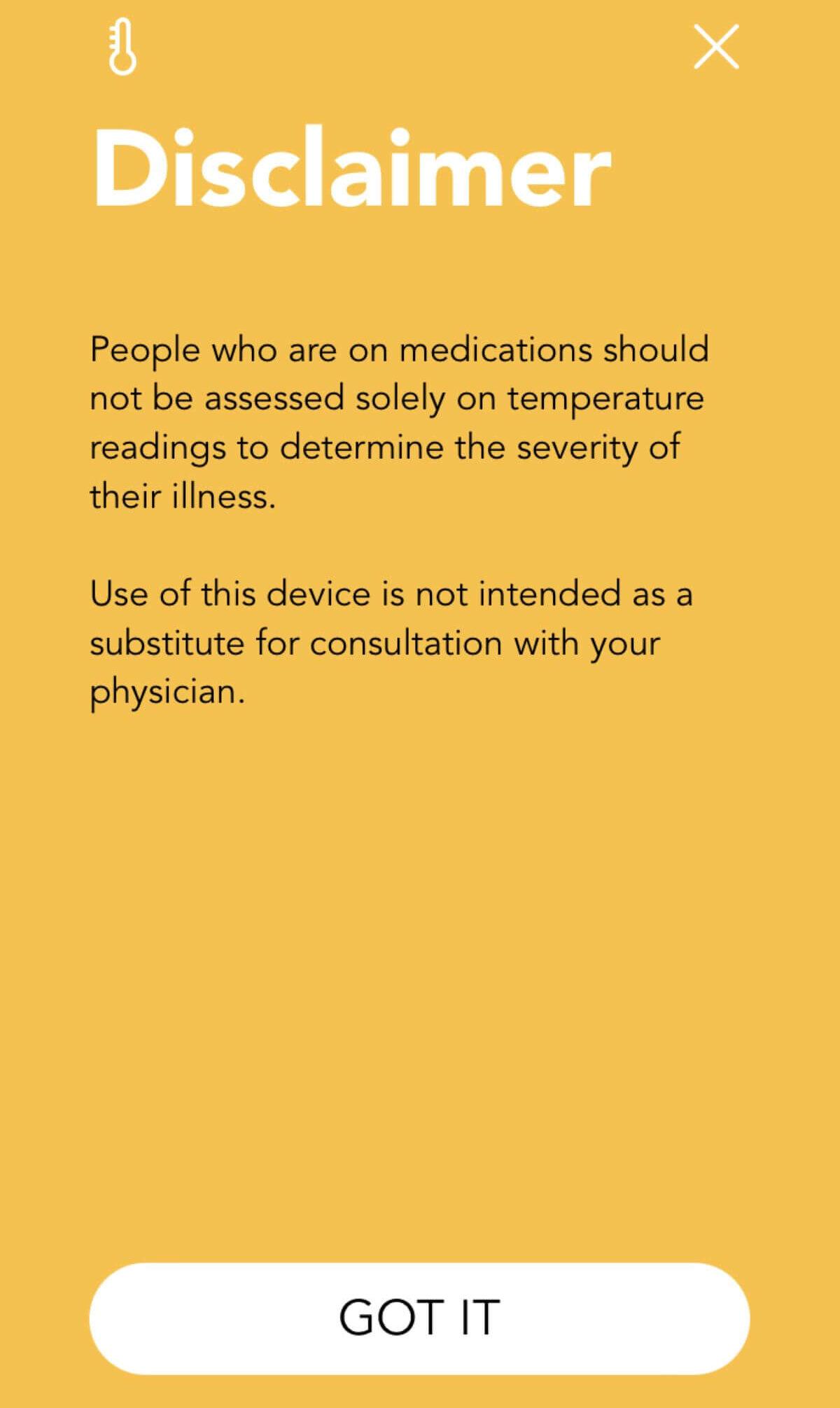
Review the temperature disclaimer in the app before continuing.
Follow the on-screen placement guide, then start the temperature exam.
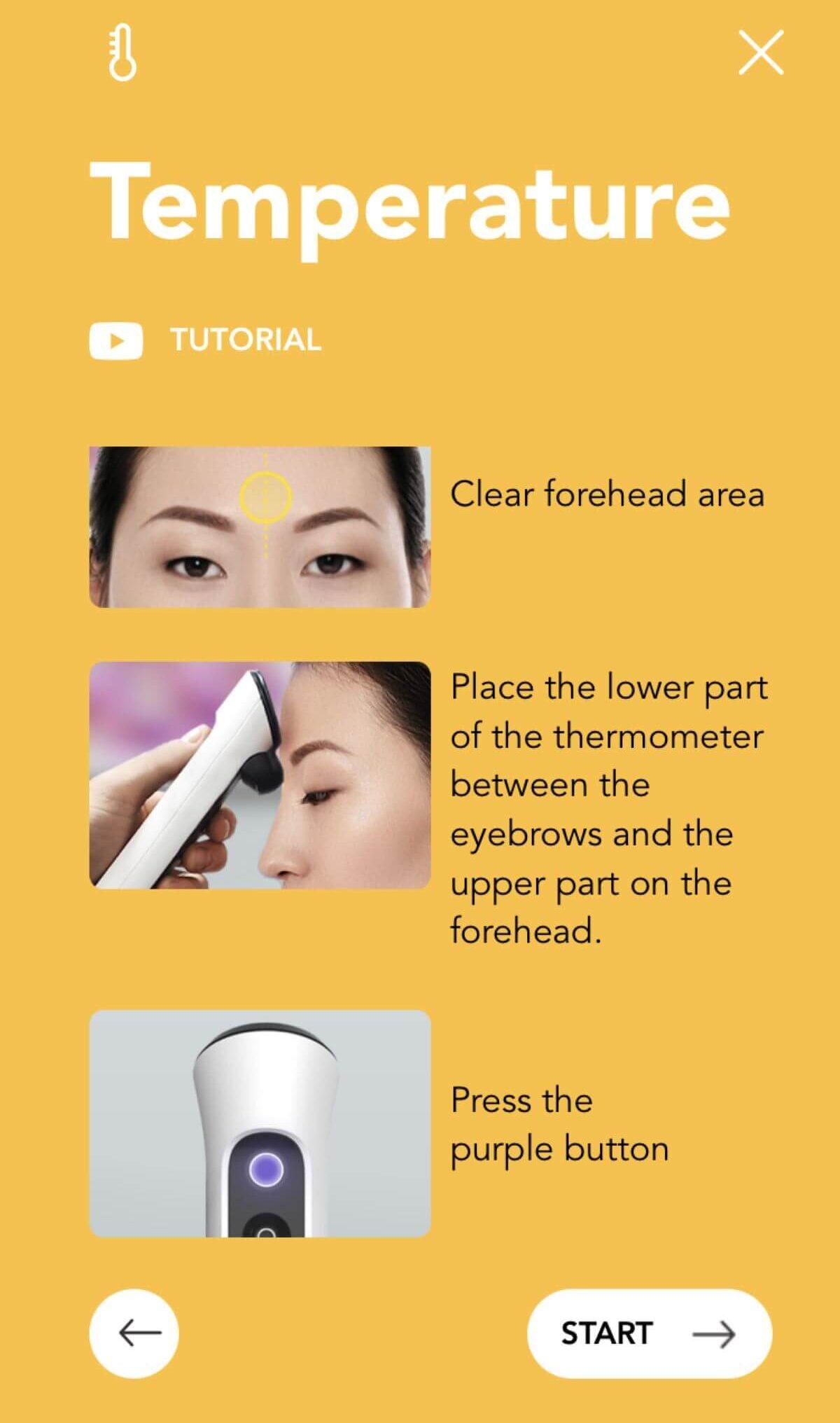
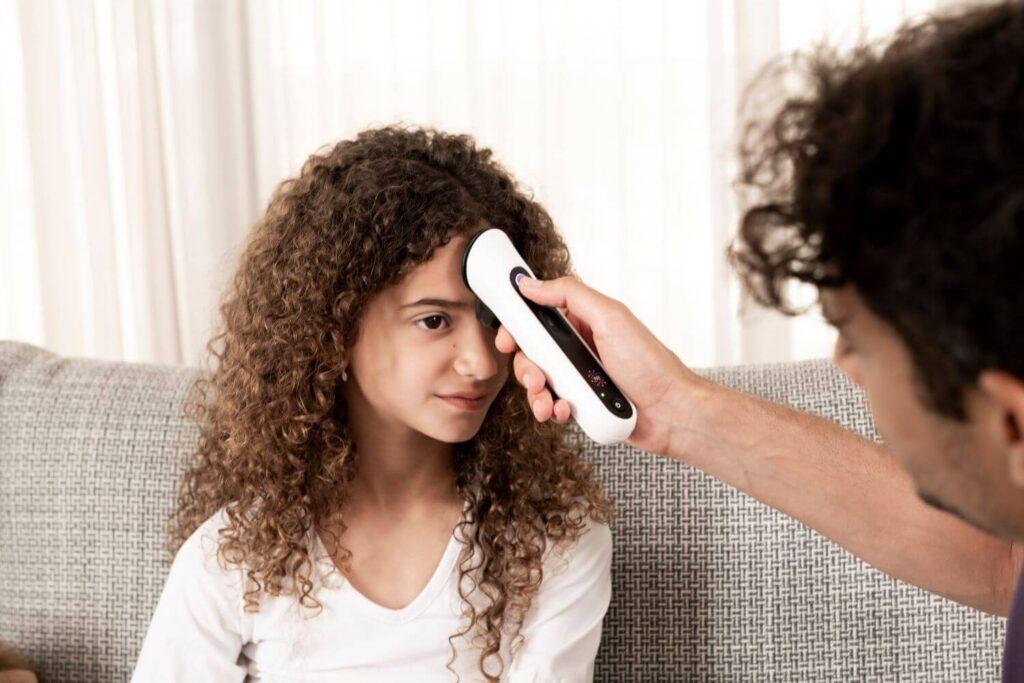
Clear hair from the forehead and position the thermometer flat against the forehead as shown.
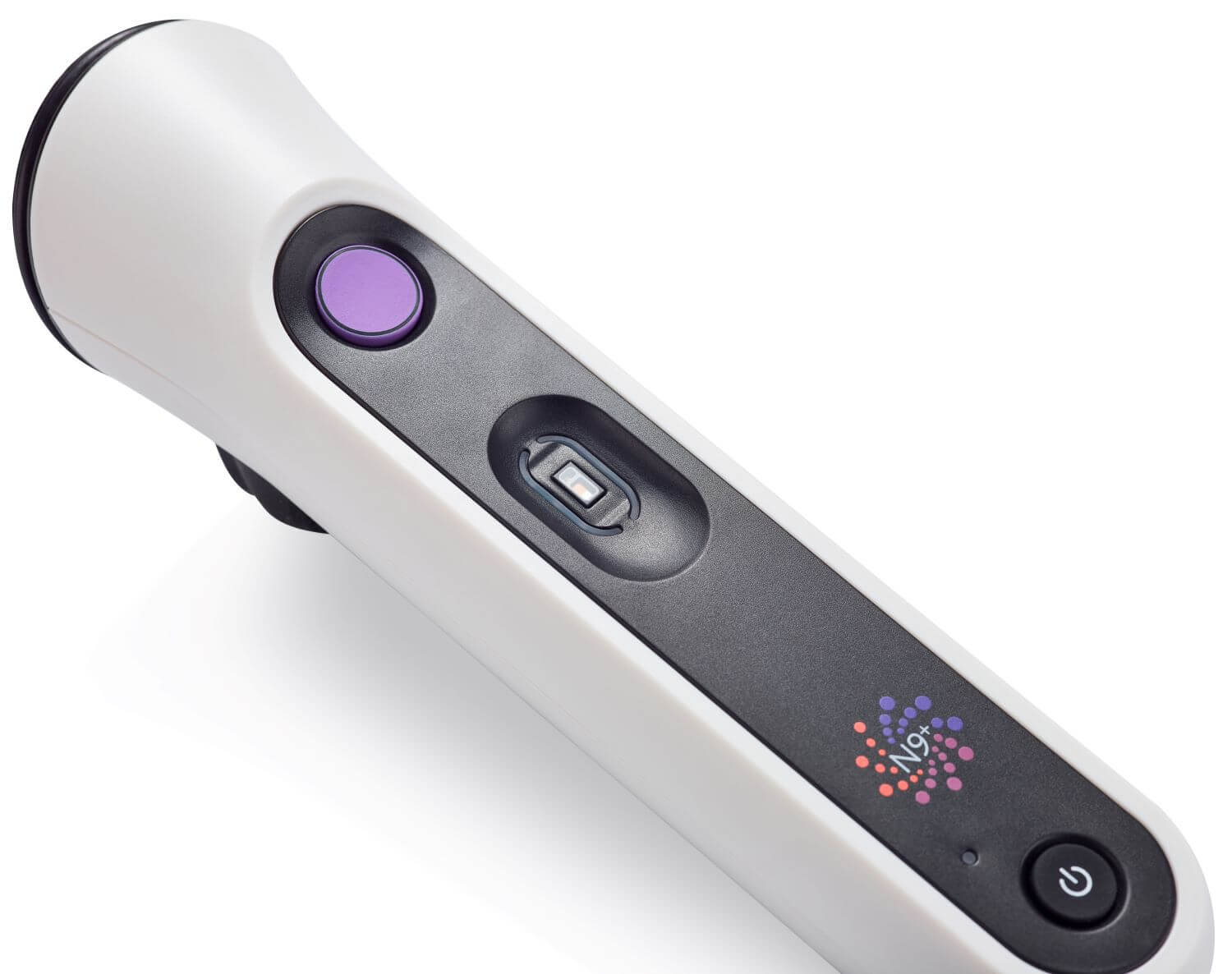
Press the illuminated device button to capture the measurement.
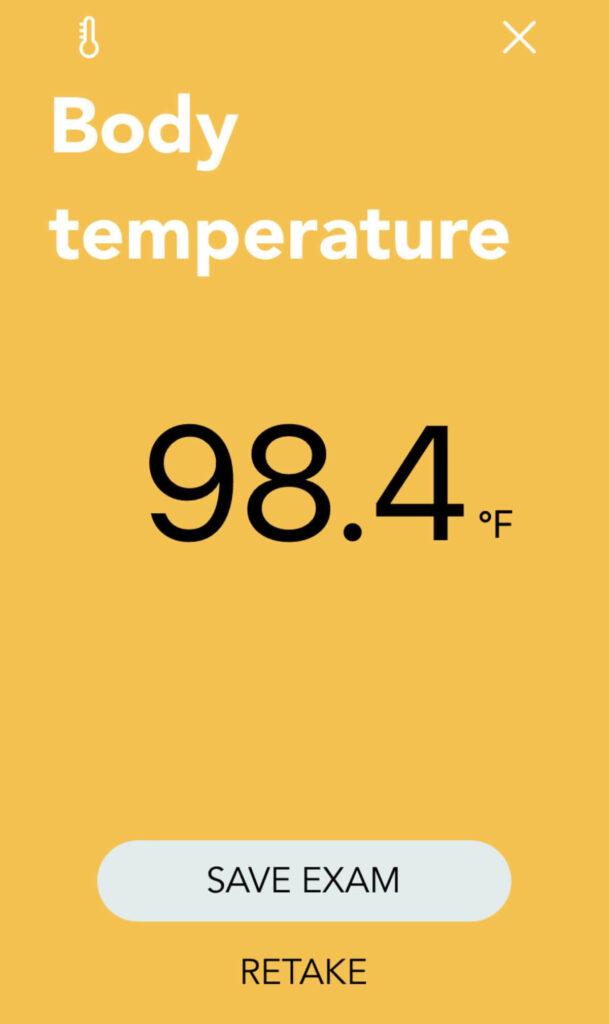
Review the reading. Save the exam when satisfied, or retake it if needed.
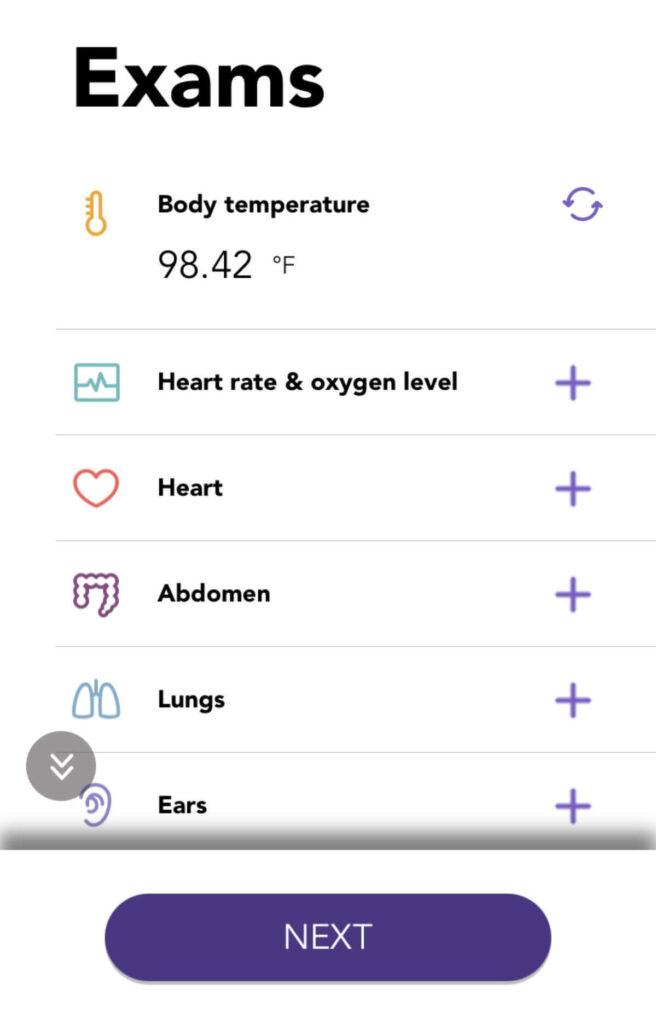
Return to the exam list and confirm that the temperature result is present.