1
Turn on the N9+ device, open the app, and sign in.

Perform an Exam
Capture pulse rate and oxygen saturation through the N9+ sensor using the guided app workflow.
Use this page with the current N9+ app prompts, product labeling, organizational protocols, and clinician direction.
Oxygen-saturation use may be subject to prescription and other regulatory requirements. Follow current labeling and clinician direction.
Step by step
Turn on the N9+ device, open the app, and sign in.
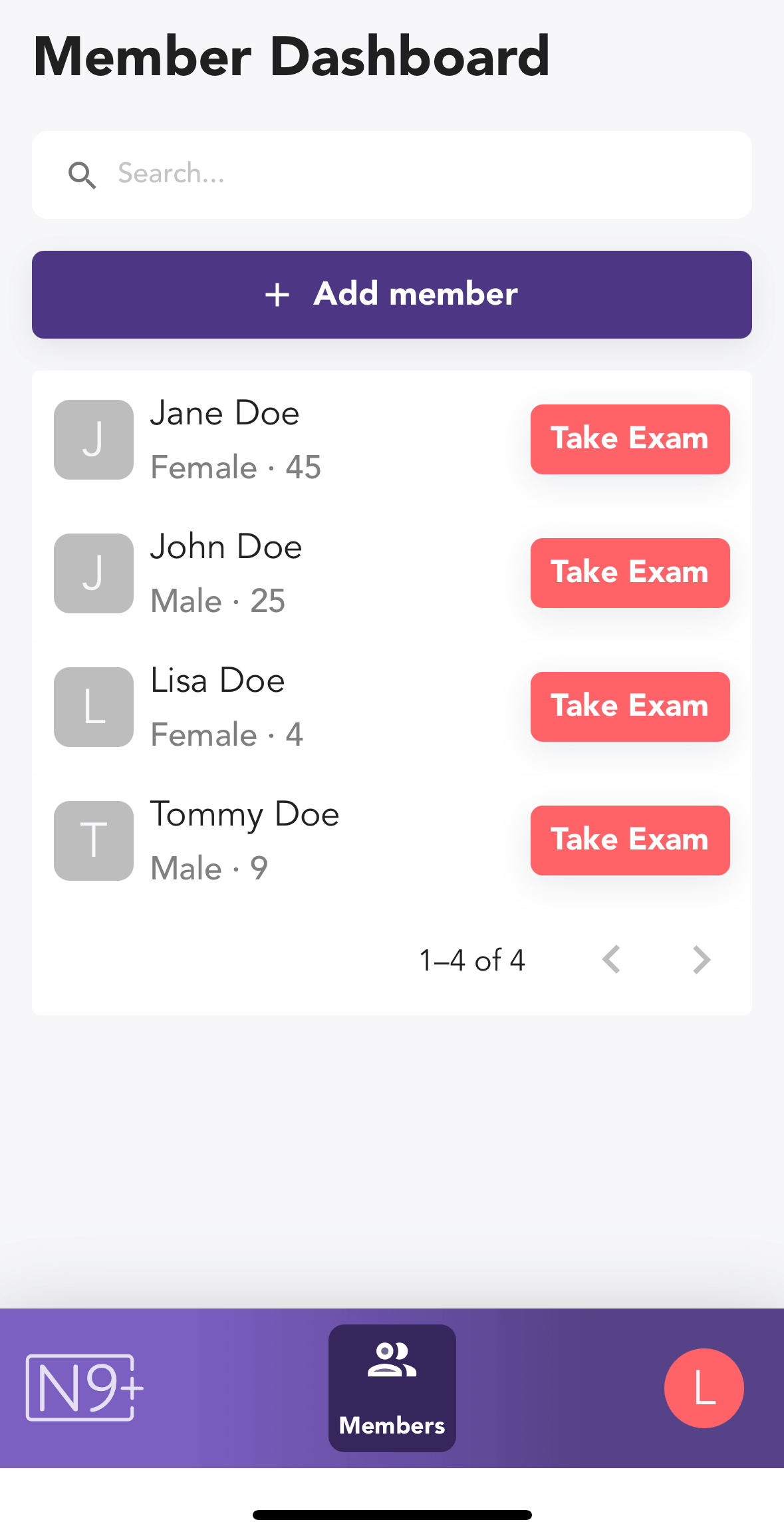
Choose the patient from the Member Dashboard and tap Take Exam.
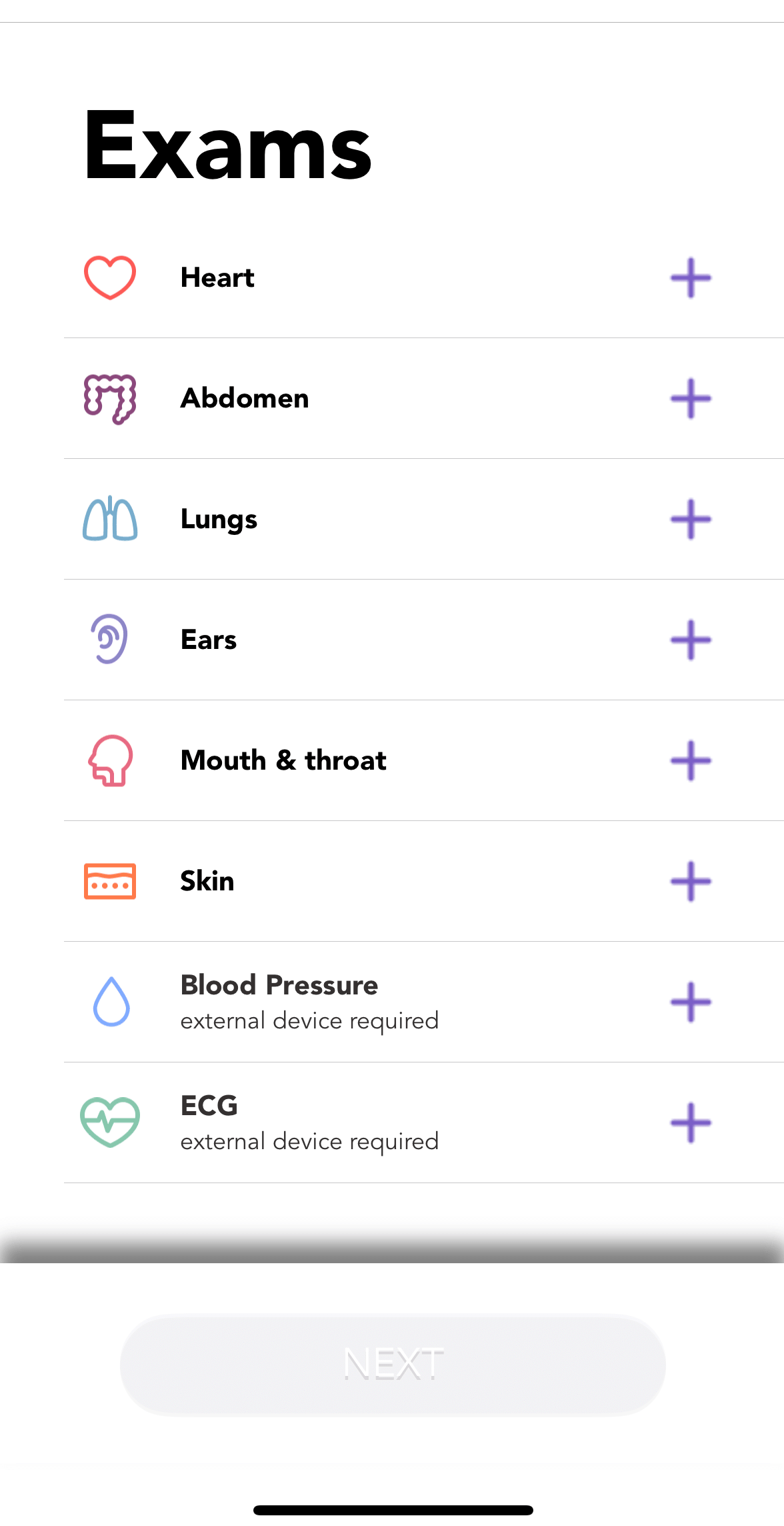
Select Heart Rate & Oxygen Level from the exam list.
Review the positioning instructions, then start the exam so the sensor is active.
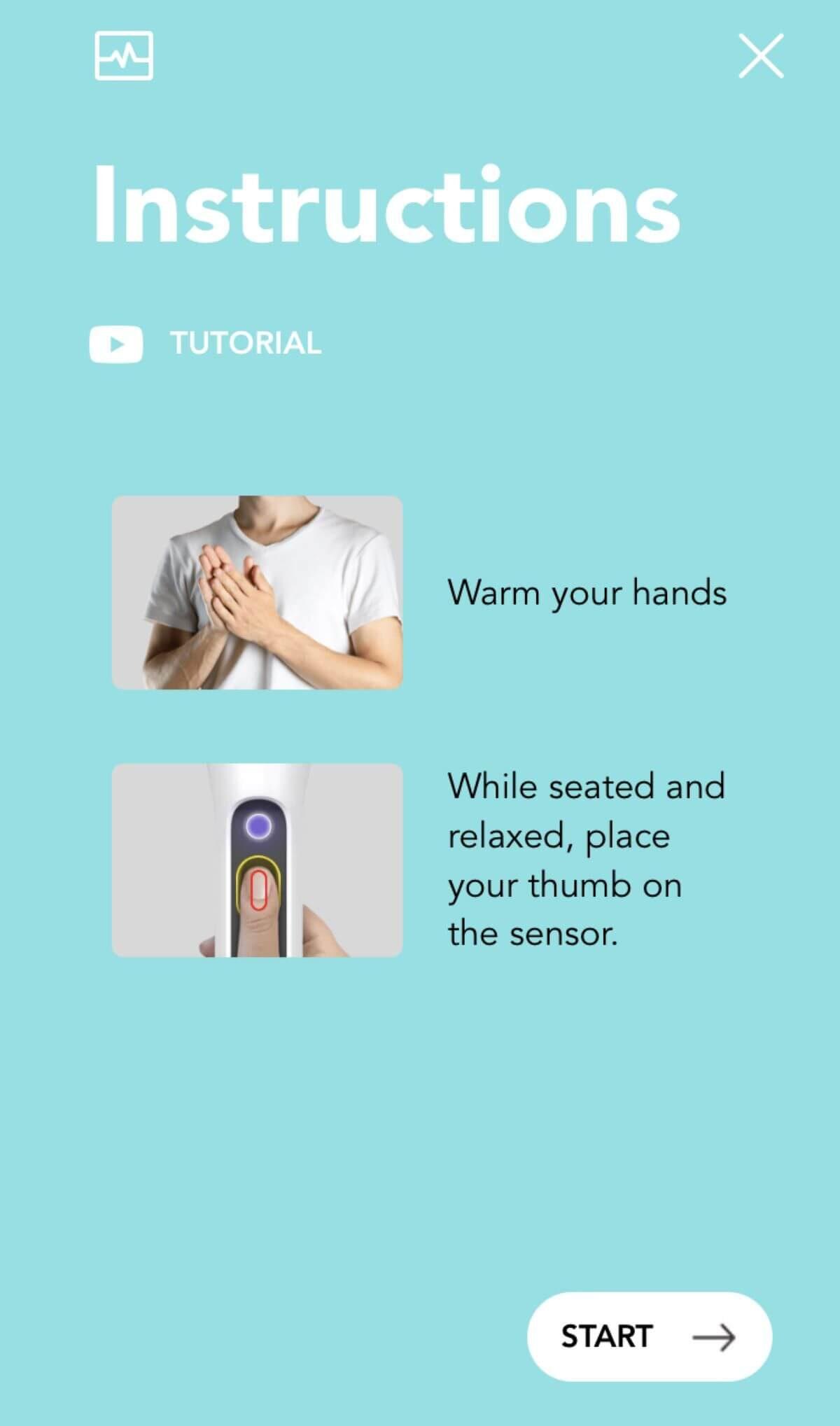
Warm the patient’s hand, rest the thumb lightly on the sensor, remain seated, and stay still while the reading is collected.
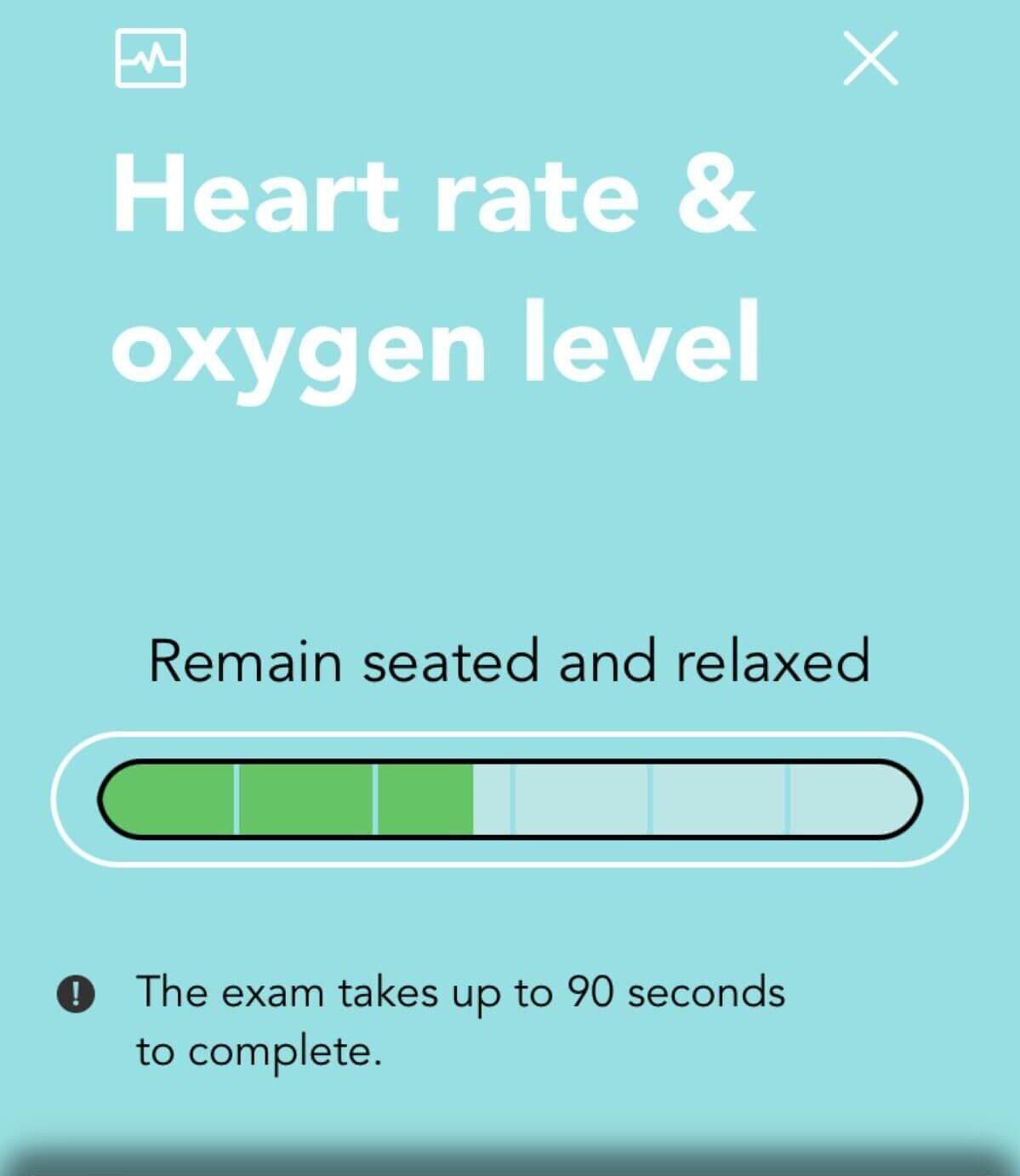
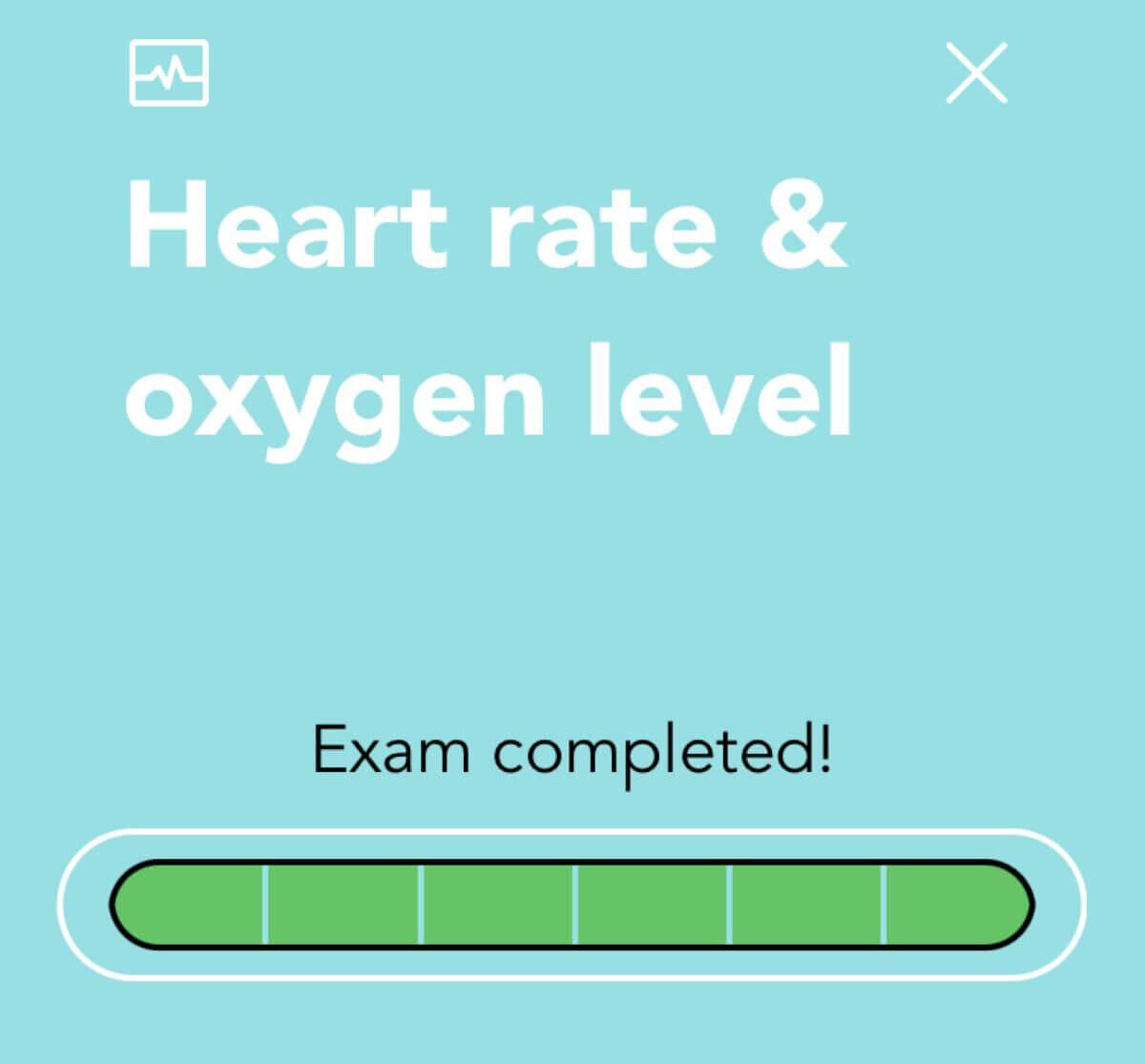
When the progress completes, review the result and save it.
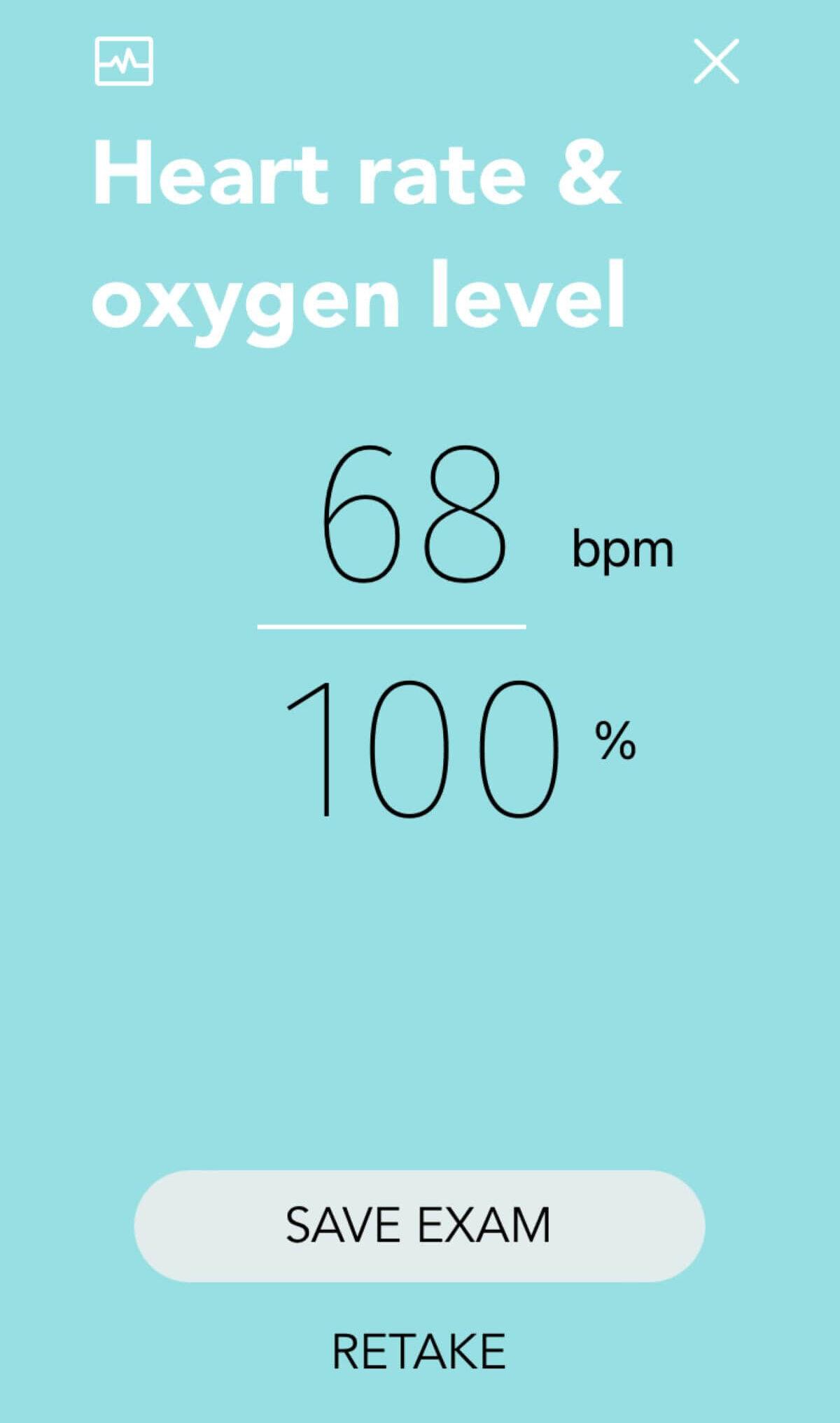
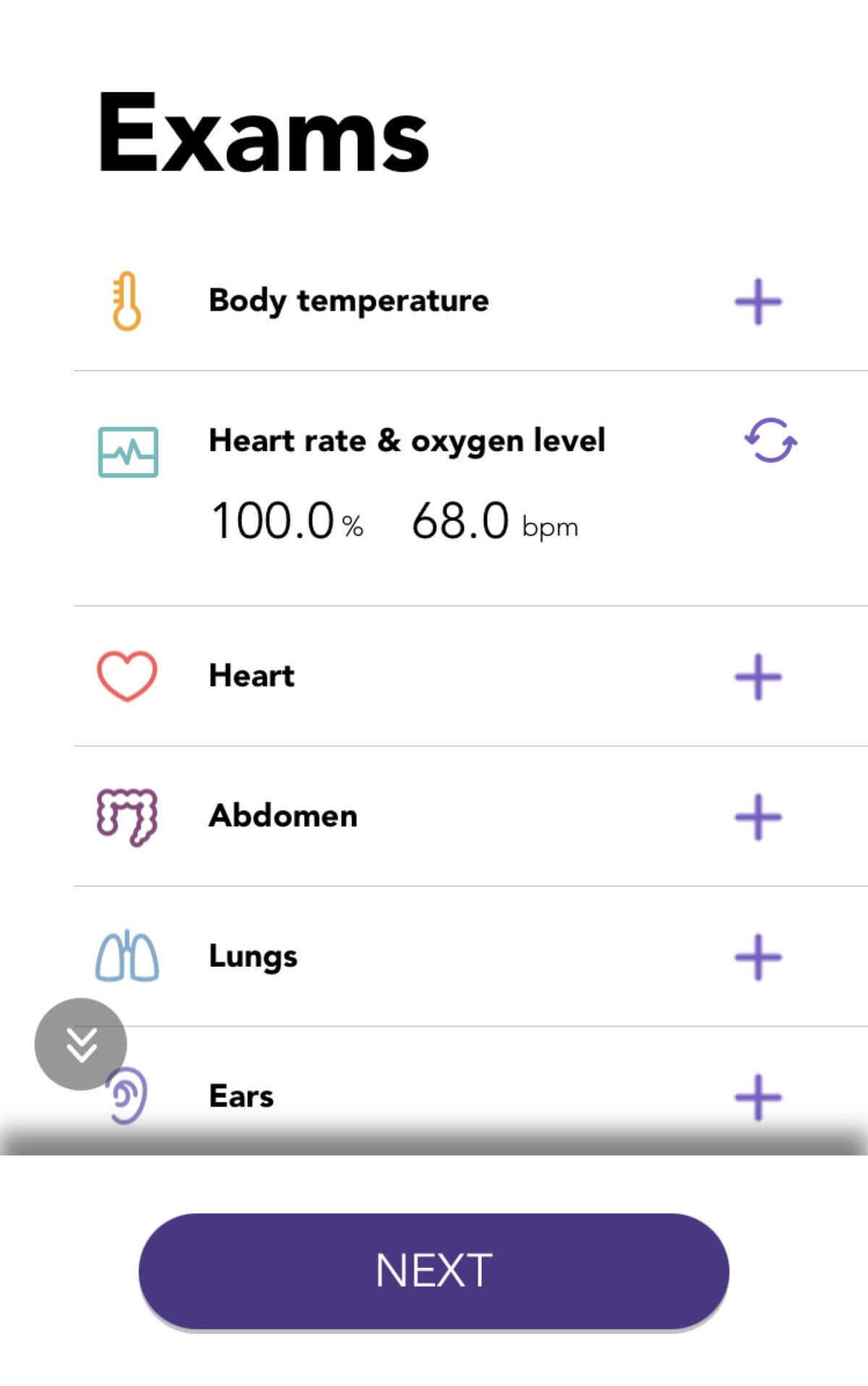
Confirm the saved heart-rate and oxygen values in the exam list.