1
Turn on the N9+ device, open the app, and sign in.

Perform an Exam
Record guided front and back lung auscultation points while the app manages position, countdown, and noise feedback.
Use this page with the current N9+ app prompts, product labeling, organizational protocols, and clinician direction.
Back lung positions may require another person to place and hold the N9+ sensor correctly.
Step by step
Turn on the N9+ device, open the app, and sign in.
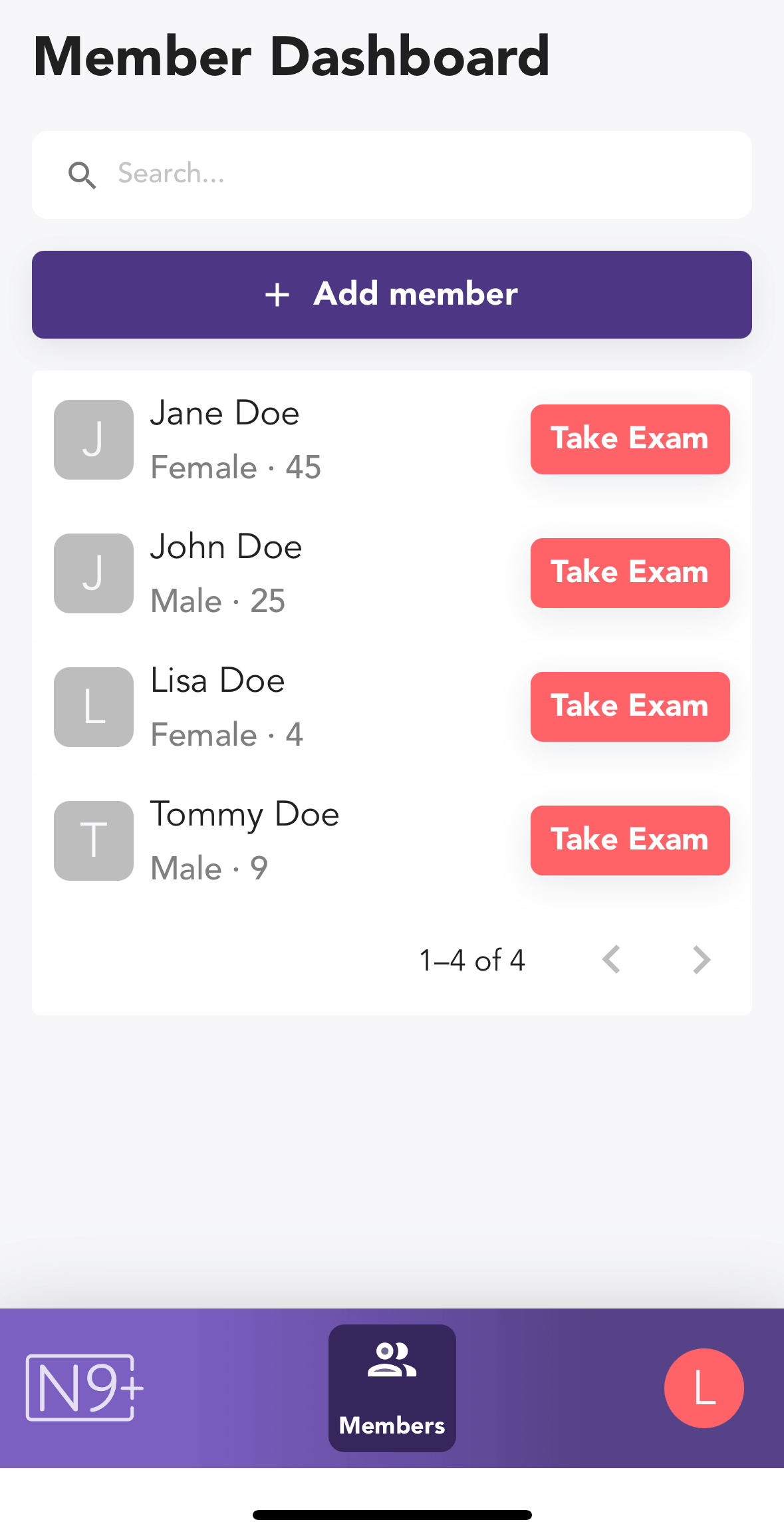
Choose the patient from the Member Dashboard and tap Take Exam.
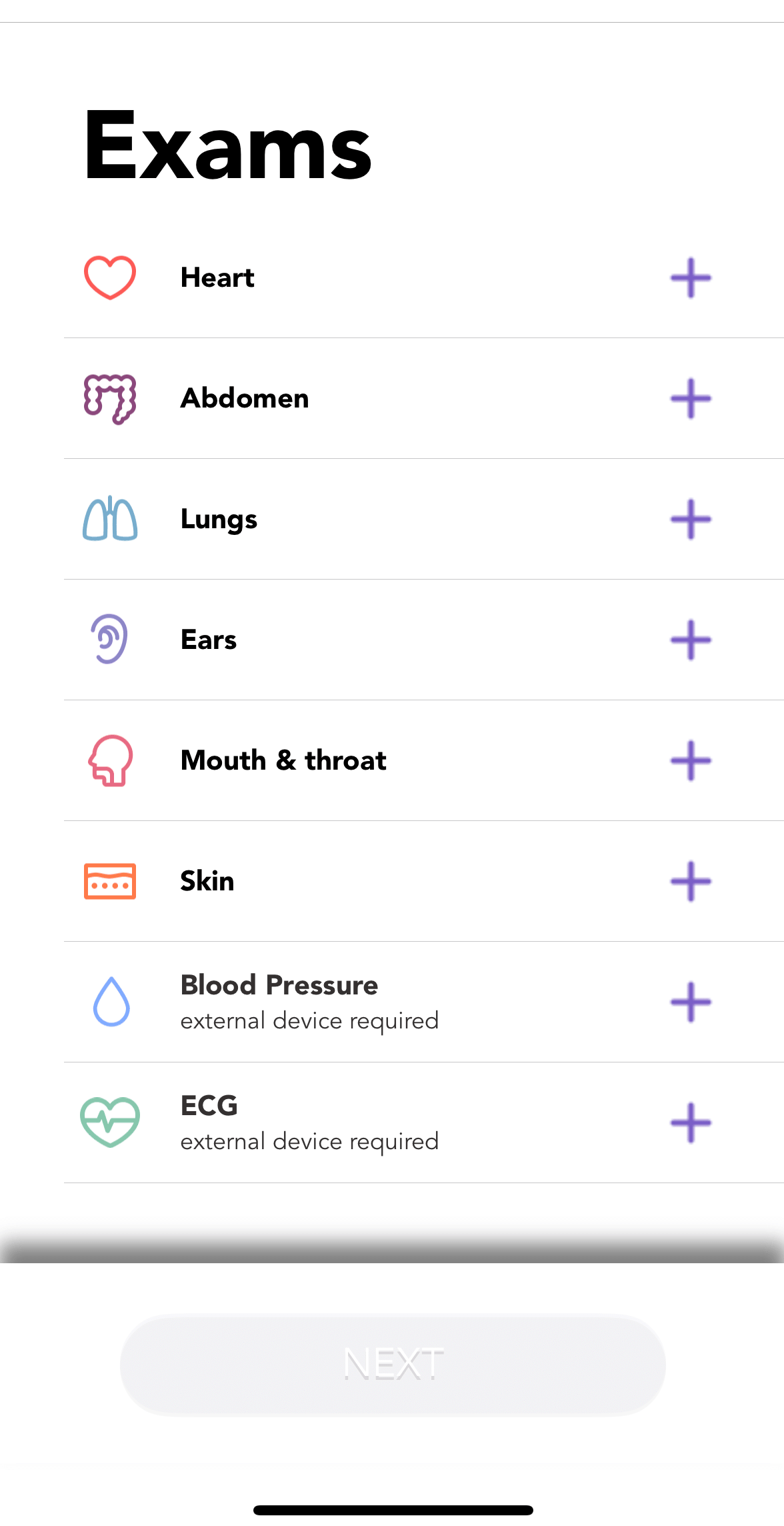
Select Lungs from the exam list.
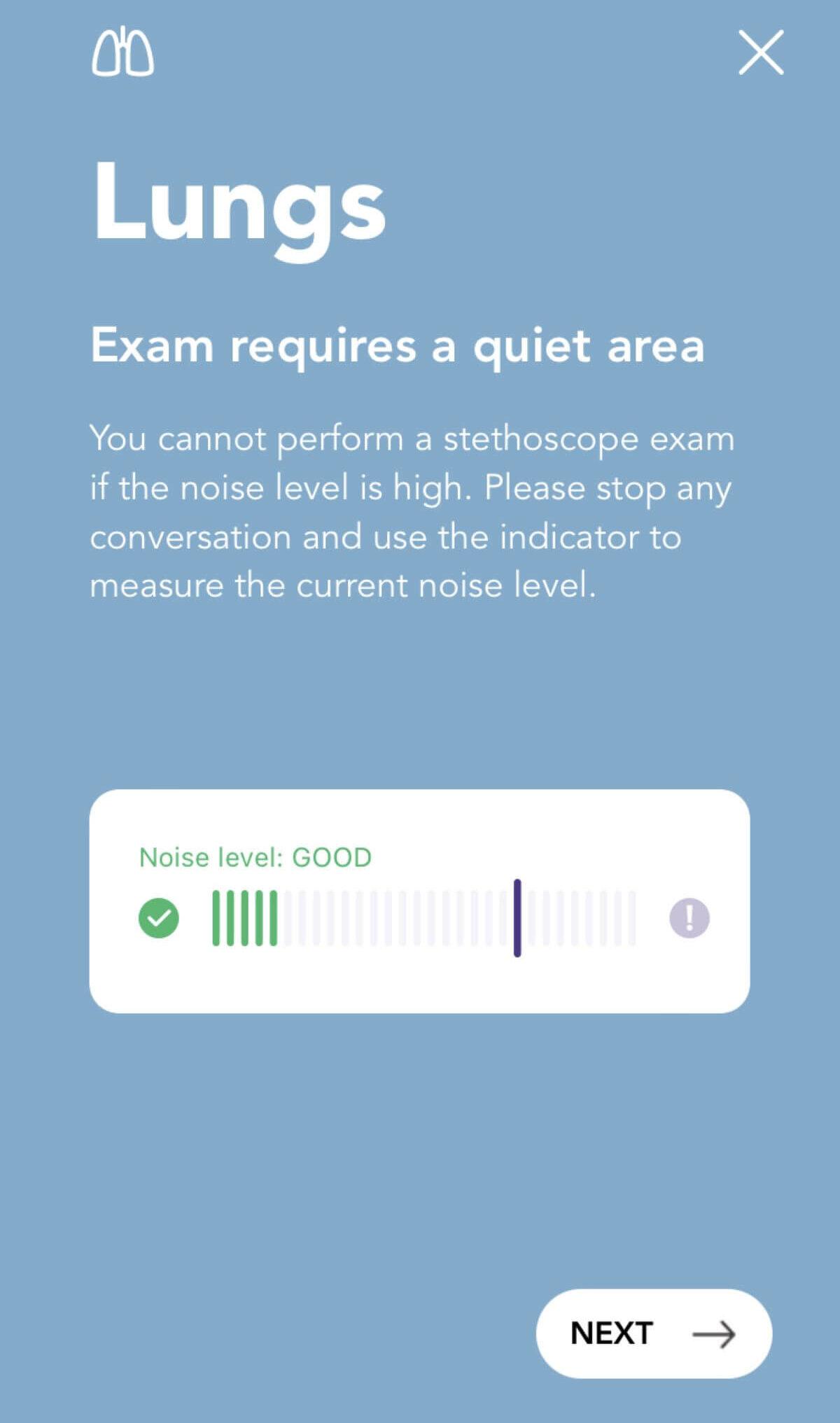
Confirm that the room is quiet enough by using the app’s noise indicator.
Review the positioning tutorial, start the exam, and activate the stethoscope sensor.
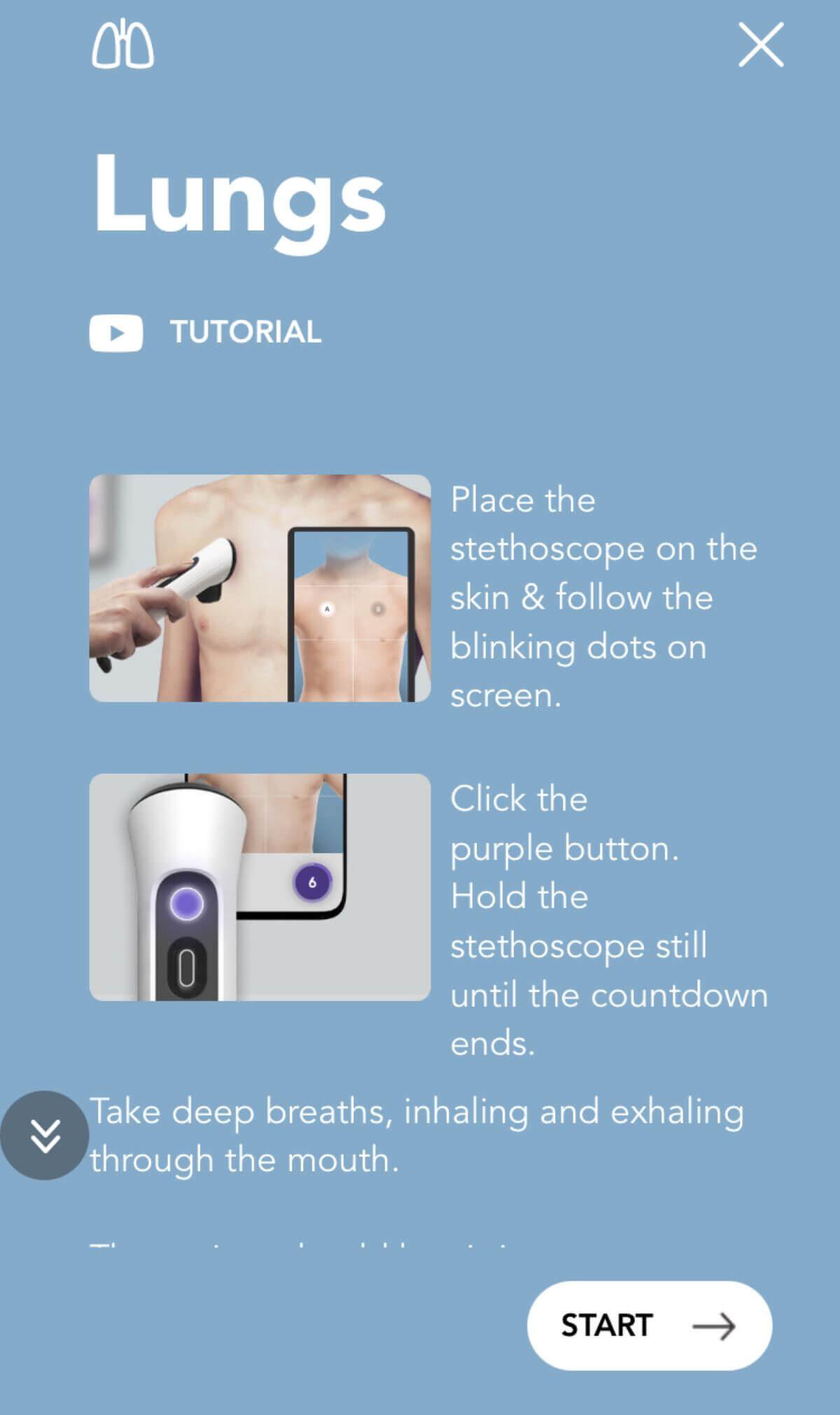
Begin with the requested back position. Hold the sensor steady while the patient breathes deeply through the mouth.
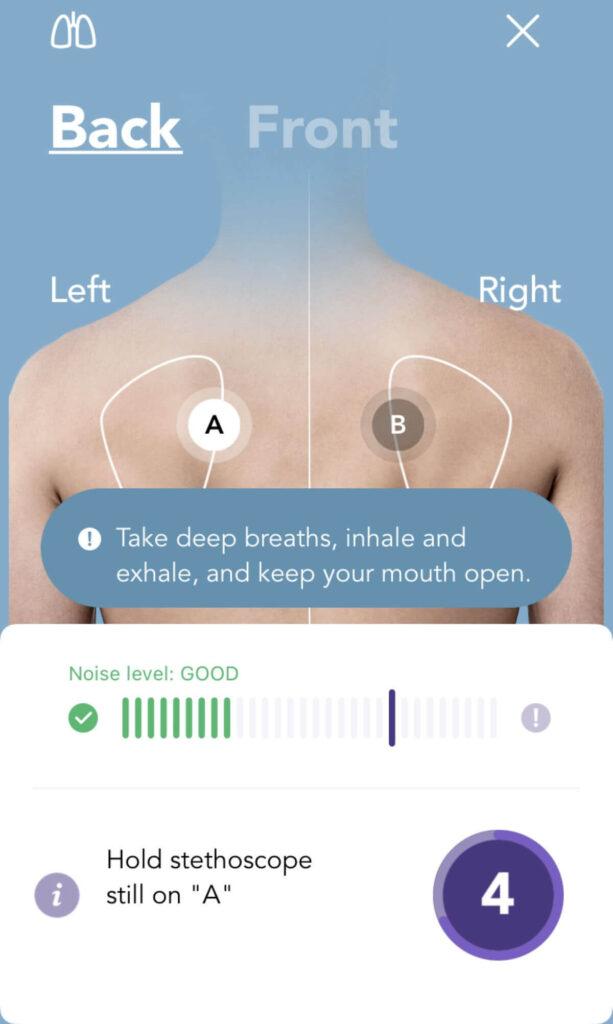
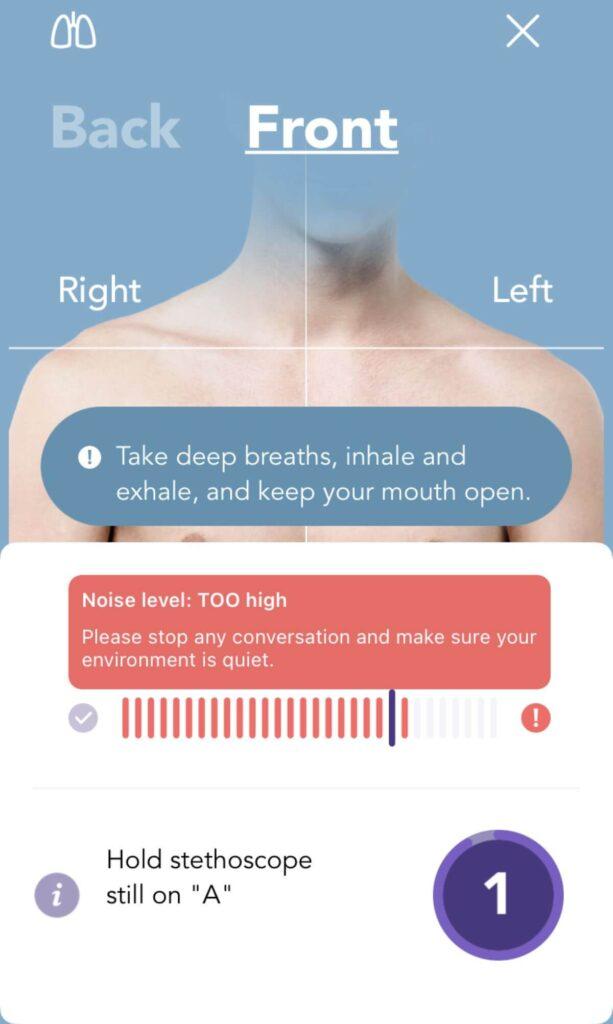
If the noise indicator turns red, quiet the environment and repeat the point if necessary.
Review each completed back point and save it before moving to the next position.
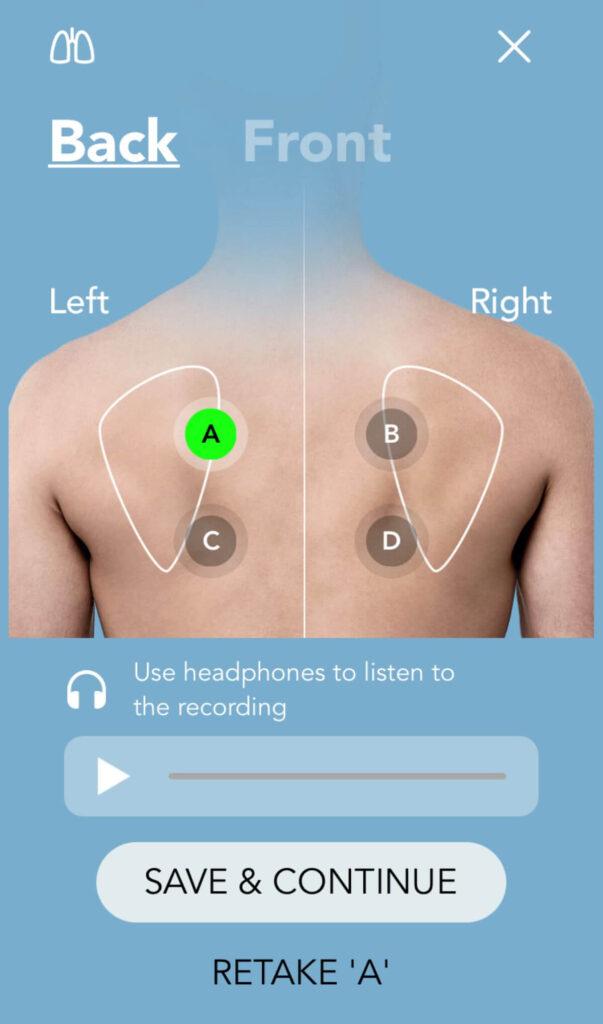
Continue to the front positions and complete the remaining recordings.
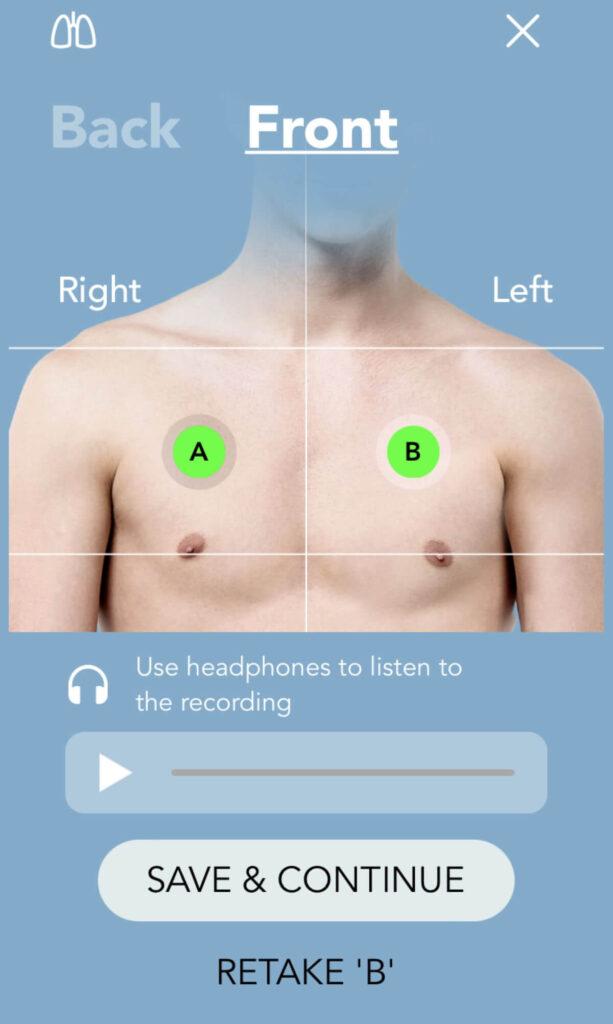
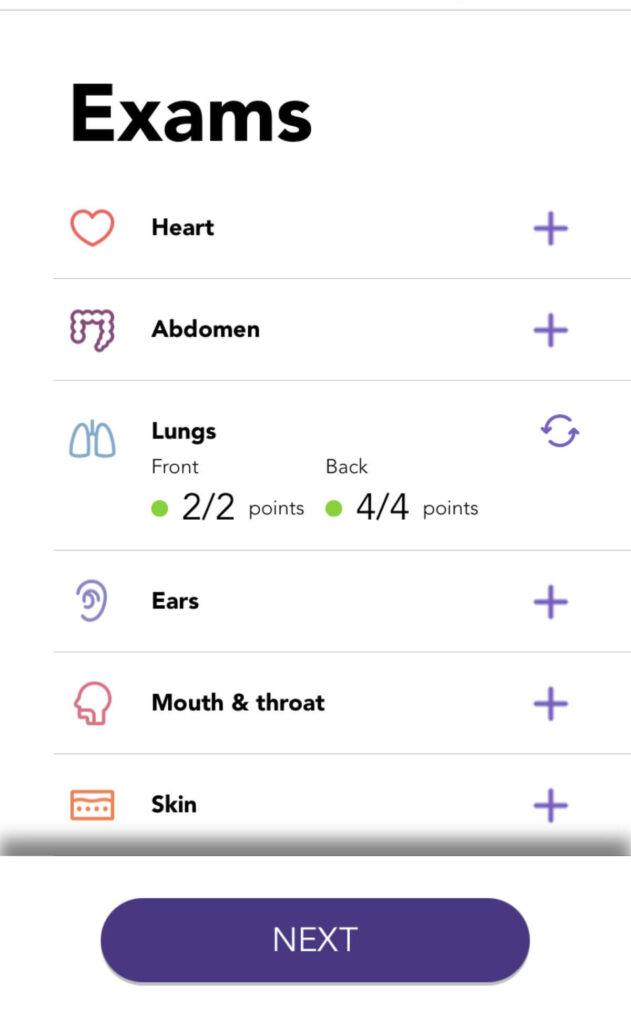
Verify the completed front and back lung points in the exam list.